Service business owners regularly ask me if they should hook their CRM up to Meta's Conversions API so Facebook "only sends good leads." It sounds like the magic fix for junk leads. For most local businesses, it isn't.
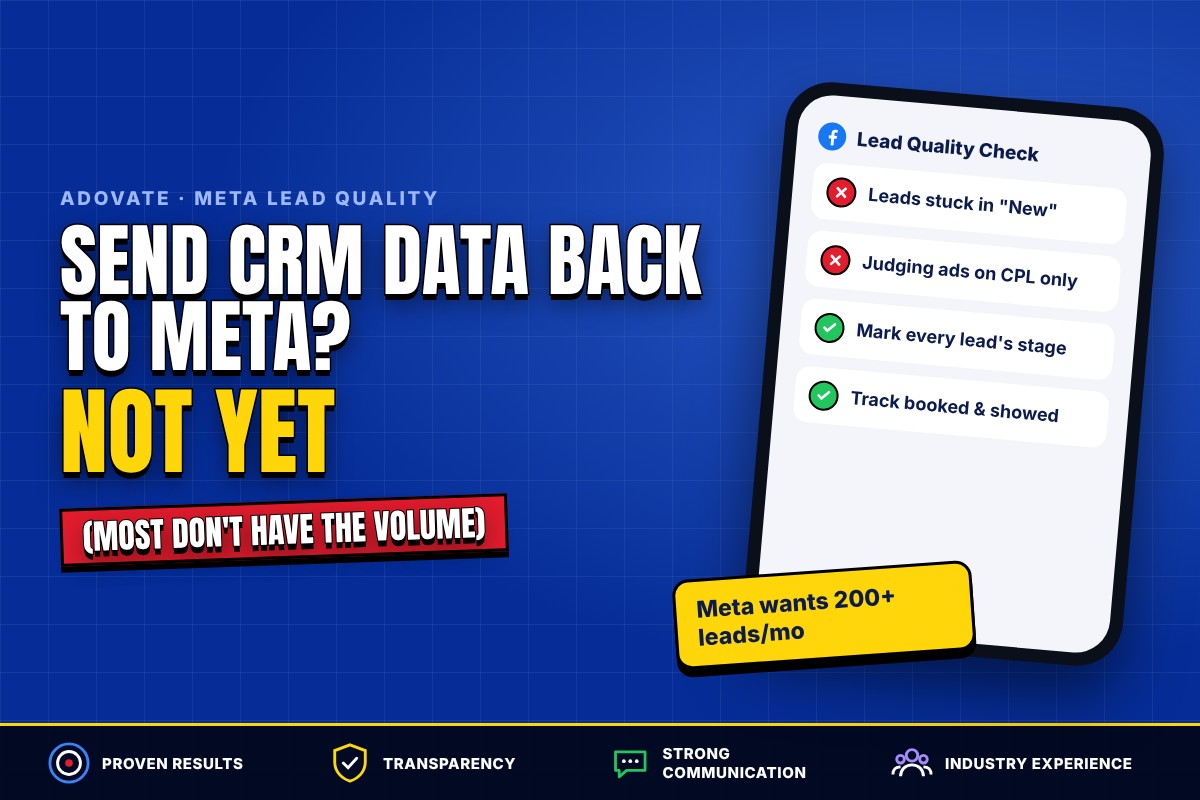
The short answer: sending CRM data back to Meta (Conversions API for CRM and Conversion Leads optimization) only pays off if you generate a lot of booked or closed events every month. Meta asks for at least 200 leads a month. Most service businesses don't have that volume, so the bigger win is marking every lead's outcome in your CRM and fixing your form and follow-up.
Here's how I see it after running Meta campaigns from Winnipeg for service businesses across Canada and the US.
What does sending CRM data back to Meta actually do?
It tells Meta which of your leads turned into real business, so the algorithm can go find more people like them.
By default, a lead form campaign optimizes for form submissions. Meta has no idea whether that person answered the phone, booked, or bought. Conversions API for CRM closes that gap. When a lead moves to a stage like "booked" or "closed" in your CRM, that event gets sent back to Meta and matched to the original lead.
Once enough of those events come in, you can switch the campaign's performance goal to Conversion Leads. Instead of chasing anyone who'll fill out a form, Meta chases people who look like the leads who actually booked.
No analogy needed: you're feeding Meta more information, so it can target for that outcome better. The catch is the word "enough."
Is Conversion Leads optimization worth it for a service business?
For most local service businesses, no. Not because the idea is bad, but because you don't have the volume for it to work.
Meta's own guidelines for Conversion Leads say you should:
- Generate at least 200 leads per month
- Pick a target stage with a conversion rate between 1% and 40%
- Have that stage happen within 28 days of the lead coming in
- Upload your CRM data at least once per day
A typical roofer, cleaner or clinic produces a small number of booked or closed events a month. That's not enough data for Meta to learn from. You'll set the whole thing up and probably never run a campaign that can optimize toward those events.
Meta already tracks the lead event for you through the form. The extra value only shows up when you're sending a high volume of booked call or closed deal events. If you are, great, it's worth doing. If you're not, there are better places to spend your energy.
Why are my Facebook leads bad if Meta isn't the problem?
In a lot of accounts, the real problem isn't the algorithm. It's that nobody is recording what happens to the leads.
Never marking leads in the CRM is unbelievably common, and it's extremely frustrating. The lead comes in, someone calls (or doesn't), and the contact just sits in "New Lead" forever. No "booked." No "bad lead." No "closed."
You're ruining your own data. Imagine how much better you could be if you actually knew how good or how bad you were. And whatever the numbers are, knowing them motivates you to push them up.
If you want to see where leads end up in the first place, start with our guide on where Facebook lead forms go. Then make sure they flow into a CRM automatically. Here's how to connect your lead forms to your CRM step by step.
What does the right setup look like for a smaller account?
Track every lead's outcome in your CRM, send the basic events back to Meta, and improve the form slowly based on what your team hears on the phone.
Here's the setup we run for clients in GoHighLevel:
- Every lead lands in a dedicated "Meta Pipeline." A workflow creates the opportunity at the "New Lead" stage the moment the form is submitted, so nothing hides in Ads Manager.
- It's assigned to a real person. We confirm with the client who owns new leads, and that person gets an instant internal notification.
- The lead gets an immediate confirmation, followed by an email sequence of at least 3 touches over the first 7 days, written in the client's own offer and tone.
- Booked appointments trigger a confirmation and a reminder, which protects your show rate.
- The basic events go back to Meta. We send Lead and Schedule (booked) events through the Conversions API so Meta gets more signal than just "form submitted," without pretending we have enough volume for full Conversion Leads optimization.
- The team moves every lead to its real stage. Booked, no answer, bad lead, closed. This is the step everyone skips and the one that makes everything else useful.
If you want the follow-up side in more detail, we wrote about automating lead follow-up with GoHighLevel.
How do you improve lead quality on the form itself?
Start simple, talk to real leads, and only add friction when the data tells you to.
I wouldn't start a new campaign with a disqualifying question. You don't know yet what a bad lead looks like for this offer, and you'll choke volume before you've learned anything.
Instead, talk to at least 10 to 15 leads (15 to 20 is better) before you judge quality. That's enough conversations to see a pattern: wrong service area, no budget, renters instead of owners, people who thought it was a giveaway. If one of those keeps showing up, then add a question that filters it out. Then talk to the next batch and repeat.
Our guide to building Facebook lead forms that generate quality leads covers the form settings in more depth.
What happened when one client stopped chasing cheap leads?
Their cost per lead went up, and their booking rate and show rate went up with it.
One account this year was a Toronto-based online IT career training company offering a free strategy call. Not a home-service business, but the lesson applies to anyone who sells through a booked call.
In the first month, the numbers looked amazing on paper: 156 leads at $18.96 per lead on about $2,958 in spend. A free call is an easy yes, though, and easy yeses aren't always buyers.
So we shifted the goal from cheap leads to booked calls. We tightened the qualification and made booked-call conversion the number we judged the account on. Cost per lead rose. By July we were spending about $7,116 a month at $60.82 per lead.
On a CPL-only report, that looks like we got three times worse. In reality, their booking rate went up and their show rate went up. They were paying more for each lead and getting more of what they actually wanted: real calls with people who showed up.
A low CPL isn't the goal. It's one input. Look only at the ad dashboard and you'll optimize toward the wrong thing. (I've written more about that in why ad analytics aren't what's killing your results.)
Who should actually use Conversion Leads optimization?
Businesses with high lead volume and a measurable stage that happens fast.
- Good fit: multi-location clinics, home service companies running hundreds of leads a month across several cities, and high-volume booked-call offers where dozens of appointments a week happen within days of the lead.
- Not yet: a single-location roofer, builder or cleaner getting a few dozen leads a month, or anyone whose sale takes months to close (a custom home build won't land inside Meta's 28-day window).
If you're in the second group, spend the effort on creative, follow-up speed and a clean CRM instead. For reference on what "good" looks like before you worry about any of this, see our cost per lead benchmarks across service industries.
Key takeaways
- Meta recommends at least 200 leads a month and a target stage that converts at 1% to 40% within 28 days. Most local service businesses don't meet that.
- The most common lead quality problem is leads never being marked in the CRM, not the algorithm.
- Talk to 10 to 20 leads before judging quality, and only add disqualifying questions once you see a pattern.
- Expect lead quality to improve in 30 to 60 days with steady volume and real feedback.
- A higher CPL can be a better result if booking and show rates go up.
Frequently Asked Questions
What is Conversion Leads optimization on Facebook?
Conversion Leads is a performance goal for Meta lead ad campaigns that optimizes for leads likely to reach a deeper stage in your CRM, like a booked appointment or a sale. It requires sending CRM stage updates back to Meta through the Conversions API for CRM. Without that data, Meta can only optimize for form submissions.
How many leads do you need for Conversion Leads optimization?
Meta recommends at least 200 leads per month, with a target CRM stage that converts at between 1% and 40% within 28 days of the lead being created. Data should be uploaded at least once a day. Most single-location service businesses fall well short of this.
Do I need the Conversions API if I use Facebook Instant Forms?
Not for basic lead tracking, because Meta already records the lead event when someone submits an Instant Form. The Conversions API adds value when you send what happens after the lead, like booked or closed events. We still recommend sending Lead and booked events so Meta has more signal, but don't expect full Conversion Leads optimization on a small account.
Can I use GoHighLevel to send CRM data back to Meta?
Yes. GoHighLevel workflows can send events to Meta through the Conversions API when a lead is created or an appointment is booked. The workflow is only as good as your pipeline data, so your team needs to move every lead to its real stage.
How long does it take for Facebook lead quality to improve?
Typically 30 to 60 days, as long as you have decent lead volume and you're actually giving feedback. That covers enough conversations to spot patterns and a round or two of form changes. With a handful of leads a month and no CRM updates, nothing changes, because nothing new is being learned.
Want Meta to send you leads that actually book?
If your leads feel like junk and you're not sure whether it's the ads, the form or the follow-up, that's exactly what we untangle. Take a look at our Facebook ads management for service businesses, or reach out to us and we'll tell you honestly whether CRM integration is worth it for your volume, or what to fix first.